
DataGrabber Operating Instructions
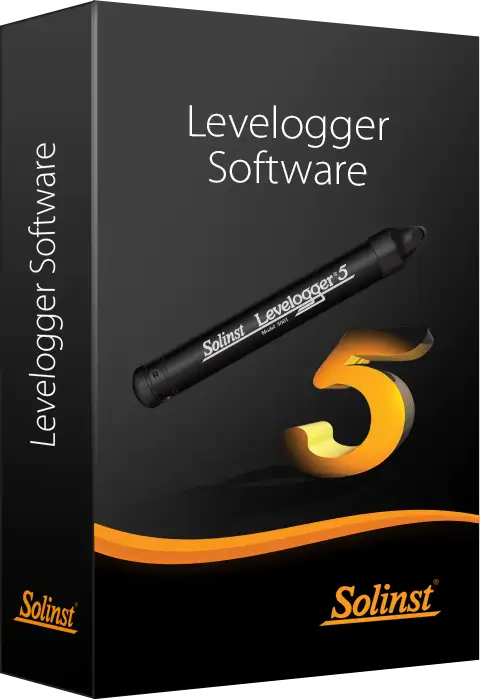
For use with Model 3001/3002/3250/3500
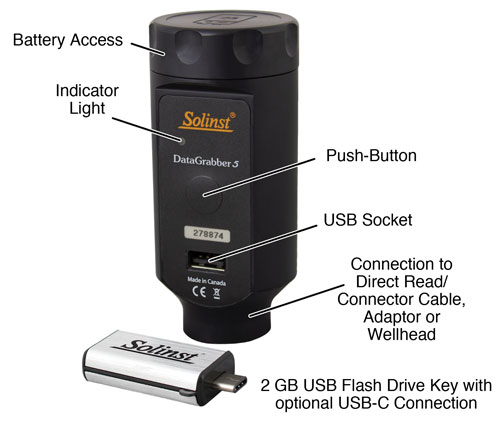
DataGrabber 5 (#116507)
Compatibility Notes:
The DataGrabber 5 is compatible with the Levelogger 5 Series of dataloggers, LevelVent 5 and AquaVent 5, as well as Levelogger Edge and Gold Series dataloggers, LevelVent and AquaVent using their most recent firmware versions.
Firmware can be updated in older DataGrabber units to be compatible with these Solinst dataloggers. An Mk1 DataGrabber must have firmware version 2.000 or higher to allow a firmware upgrade. Contact Solinst if you have a firmware version lower than 2.000. Mk2 DataGrabber 5 units are all firmware upgradable. The DataGrabber firmware version can be found inside the battery compartment.
To update the firmware in your DataGrabber, go to the Solinst website at: https://downloads.solinst.com
Operating Principles
The DataGrabber 5 allows direct transfer of data from a Solinst datalogger to a USB flash drive key. All data in the memory is copied. The transfer does not interrupt a running datalogger. The data in memory is not erased.
The data is saved as an .xle file on the USB memory device, which can be opened using Levelogger Software on your PC.
DataGrabber 5 Battery
The DataGrabber uses one 9V replaceable alkaline or lithium battery.
To install or replace the 9V battery:
- Unscrew the top cap of the DataGrabber.
- Remove the old battery if required.
- Ensure proper polarity and insert the new battery.
- Screw the top cap firmly back onto the housing.
DataGrabber 5 Indicator Light
When the DataGrabber button is pushed and held for two seconds, the unit turns on and a self-test is performed:
- Green light indicates everything is okay.
- Red light flashing indicates battery needs replacing.
- Yellow light flashing indicates that the datalogger is not connected.
- Fuchsia light flashing indicates that the USB device is not connected (flashes for 1 minute).
- Solid red light (for five seconds) indicates the unit is automatically powering down.
If the datalogger and USB device are properly connected:
- Blue light flashing indicates that the data is being transferred.
- Green light indicates that the data transfer was successful.
- Red light indicates there was insufficient space on the USB drive for all data logs. Flashes again as the transfer is aborted.
Note:
If you are getting a red light, and you think the USB flash drive should have room, try using a different USB flash drive to help pinpoint the issue.
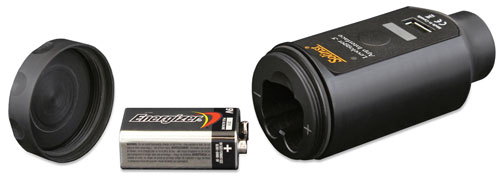
DataGrabber Battery
Operating Instructions
- Connect the DataGrabber 5 to your datalogger:
- Connect to your Levelogger or Rainlogger in one of two ways:
- Thread the DataGrabber onto the top end of a deployed L5 Direct Read Cable.
- Thread or slip the Levelogger into an L5 Threaded or Slipfit Adaptor and thread the Levelogger 5 App Interface into the other connection.
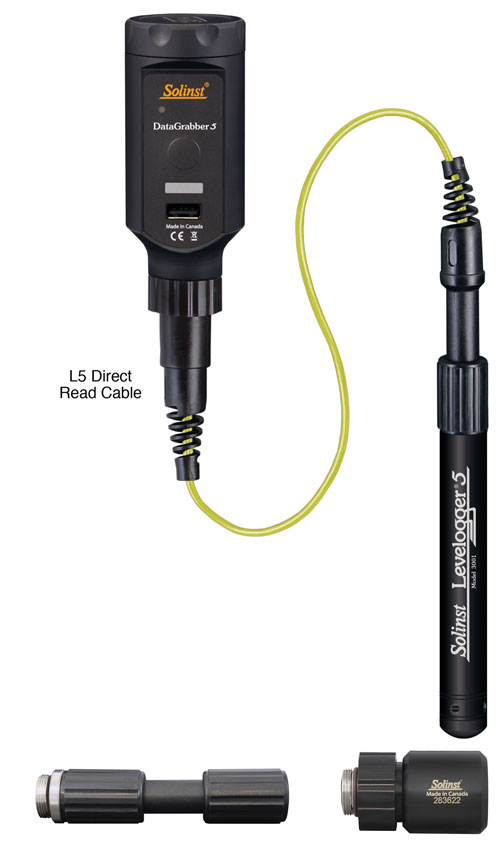
L5 Threaded and Slipfit Adaptors
- Connect the DataGrabber to a LevelVent 5 Wellhead
- Connect the DataGrabber to your AquaVent 5 Wellhead using a DataGrabber Connector Cable.
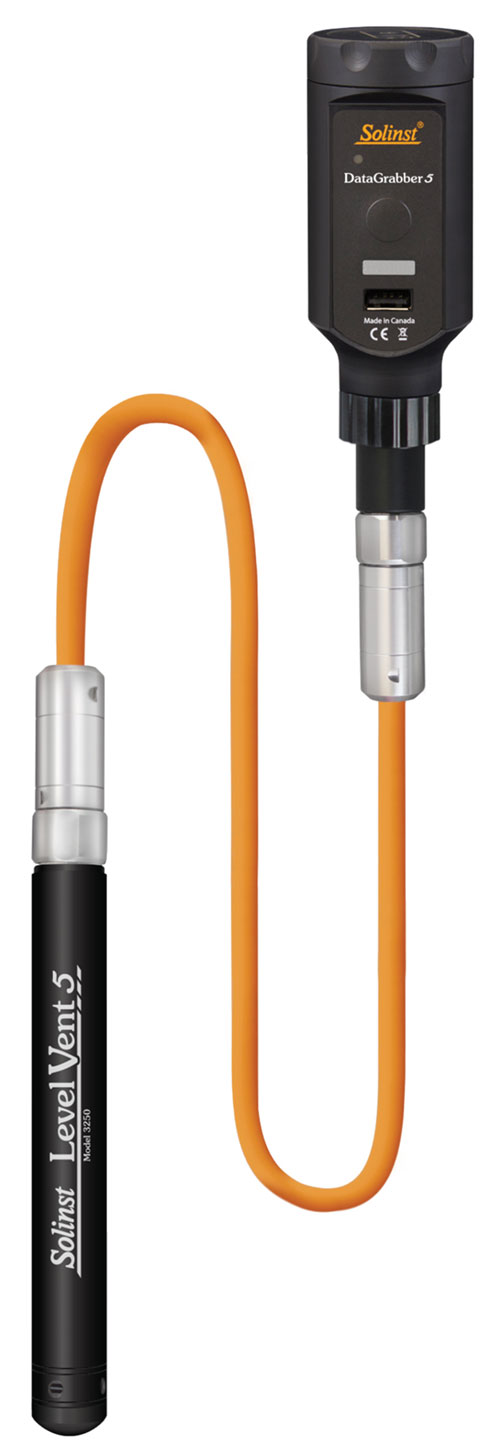
LevelVent 5 Wellhead
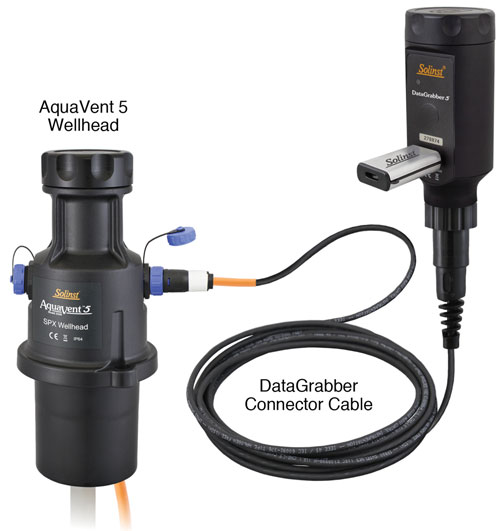
- Connect to your Levelogger or Rainlogger in one of two ways:
While the AquaVent is connected to the DataGrabber, an SPX Wellhead will ignore or provide time-out response to any requests if connected to a MODBUS or SDI-12 network.
- Plug the USB memory device into the DataGrabber.
- Press and hold the push-button for two seconds to turn the DataGrabber on. The DataGrabber will perform a self-test.
Note:
Red light flashing at startup, indicates a low battery. Replace before using the DataGrabber.
- The data will automatically transfer to the USB memory device as an .xle file. This can take about 8 minutes for a full datalogger download (40,000 logs).
- When the green light appears, you can remove the USB device and disconnect.
Note:
If a red light appears during the data transfer, which indicates insufficient space on the USB device, the unit will automatically shut-down and abort the transfer.
- The DataGrabber will automatically turn off five seconds after the data has been successfully transferred.
Press the push-button for two seconds to turn the DataGrabber off.
®Solinst and Levelogger are registered trademarks of Solinst Canada Ltd.
Solinst DataGrabber uses the real-time operating system: FreeRTOS.org
Related Products
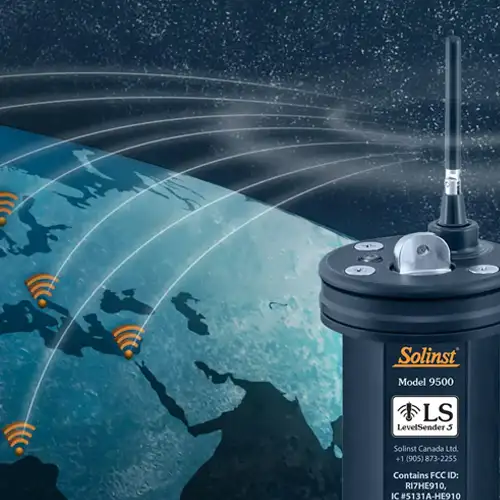
Plug and Play Telemetry
Already own Leveloggers? Quickly and easily upgrade your monitoring wells with LevelSender Telemetry. The 4G LevelSender 5 telemetry system features an optional Solinst SIM card. It is set up for you in advance—with a low-cost plan managed by Solinst! An internal barometer provides automatically compensated water level readings; set high/low level alarms.
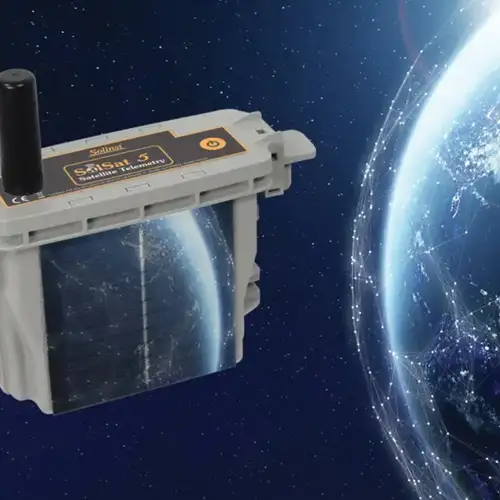
Discover Anywhere Monitoring
SolSat 5 is a telemetry system that leverages Iridium satellite technology to provide global connectivity for Solinst 5 Series dataloggers. It uses low cost TextAnywhere global satellite messaging to send remote data to a secure web portal. It features a robust weatherproof enclosure for installation almost anywhere. Features built-in Wi-Fi setup app, solar panel, and barometer.
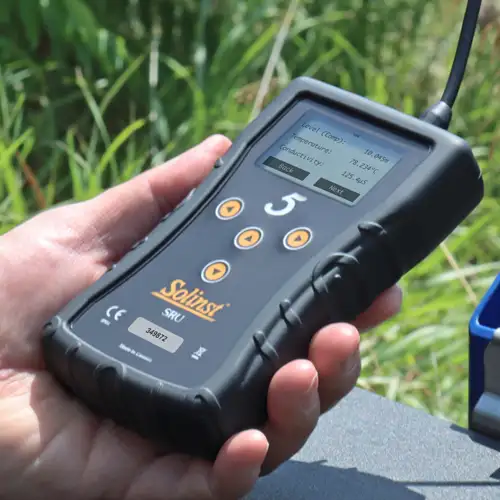
Solinst Readout Unit (SRU)
The Solinst Readout Unit (SRU) is a rugged, handheld device designed to connect to a deployed Solinst datalogger and display instant water level readings – with the option of automatic barometric compensation. Real-time logging and downloaded data can be saved and transferred to a PC. Quickly check the datalogger's status.
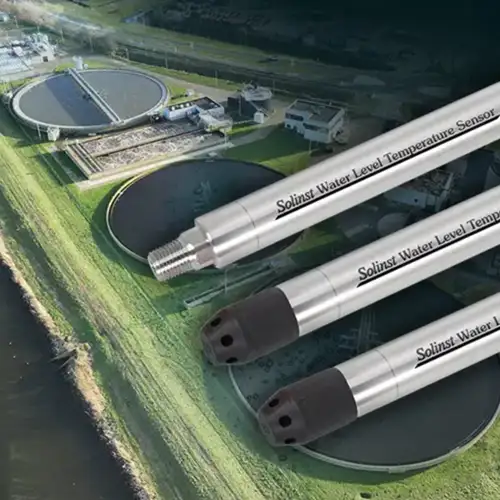
Versatile Submersible Water Level Transmitter
The 301 Water Level Temperature Sensor provides the option of highly accurate water level transmission using multiple protocols – MODBUS, SDI-12 and 4-20mA – for a wide variety of applications. This compact, all-in-one submersible hydrostatic level transmitter provides continuous, stable water level and temperature readings, with options for absolute and gauged pressure sensors.
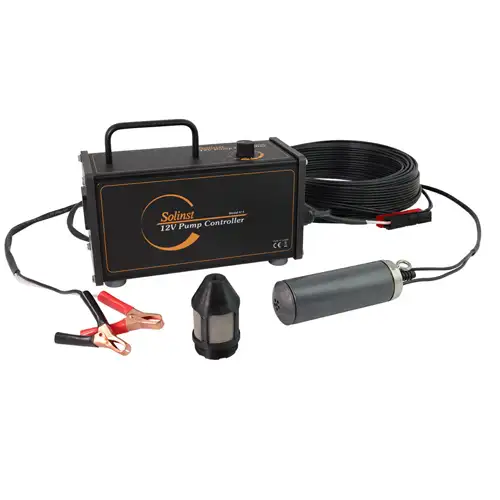
415 12V Submersible Pump
The Solinst 12V Submersible Pump provides an efficient means of purging and obtaining groundwater samples from 2" OD monitoring wells. The compact pump can sample from depths of 36.5 m (120 ft) below ground surface, and is easy to adjust the flow rates up to 13.5 L/min (3.6 US gpm) in shallower applications.


